How to Run a Local Cybersecurity Capture the Flag Event for Your University or Meetup
A capture the flag event does not need a sponsor, a stage, or a challenge set that took six months to build. It needs a room, a scoreboard, and a handful of challenges that a first-year student can solve before lunch. Everything else is polish you can add next time. What follows is the practical version: how to plan a one-day local CTF that finishes on schedule and leaves people asking when the next one is.
Jeopardy-style is the right default for a mixed crowd. Challenges sit in categories, each has a flag, teams pick what they want, and nobody gets eliminated in the first hour. Attack-defense and king-of-the-hill formats are excellent theatre, but they need reliable infrastructure, a level playing field, and players who already know their way around a terminal. Save those for your third or fourth event.
Pick a duration and defend it. Four hours of play plus a thirty-minute briefing is a full afternoon and a realistic workload for the organisers. Teams of two to four people work better than solo entries, because the person who gets stuck still has someone to talk to. Decide early whether you will run a single mixed scoreboard or a separate beginner lane with its own prizes. Both work; a single scoreboard is less admin and less argument.
The most common failure is a challenge set that is too hard. A room where two teams solve things and everyone else stares at a terminal for four hours does not produce a second event. Aim for roughly sixty percent beginner-friendly material, thirty percent intermediate, and a small handful of genuinely hard problems for the people who came to win.
You do not need to write everything yourself. Public archives of past beginner CTFs, wargame sites, and challenges your own club members built are all fair game, provided you respect the original licence and credit the source. Writing two or three original challenges adds character and gives you something unique to talk about in the writeup.
CTFd is the obvious starting point: it handles registration, teams, categories, hints, and a live scoreboard, and it runs comfortably in a container on a modest VM. If you want something leaner, rCTF or a similar self-hosted platform works too. For an event of fewer than twenty people, a shared spreadsheet is honestly acceptable, though you lose the live scoreboard buzz that keeps people engaged.
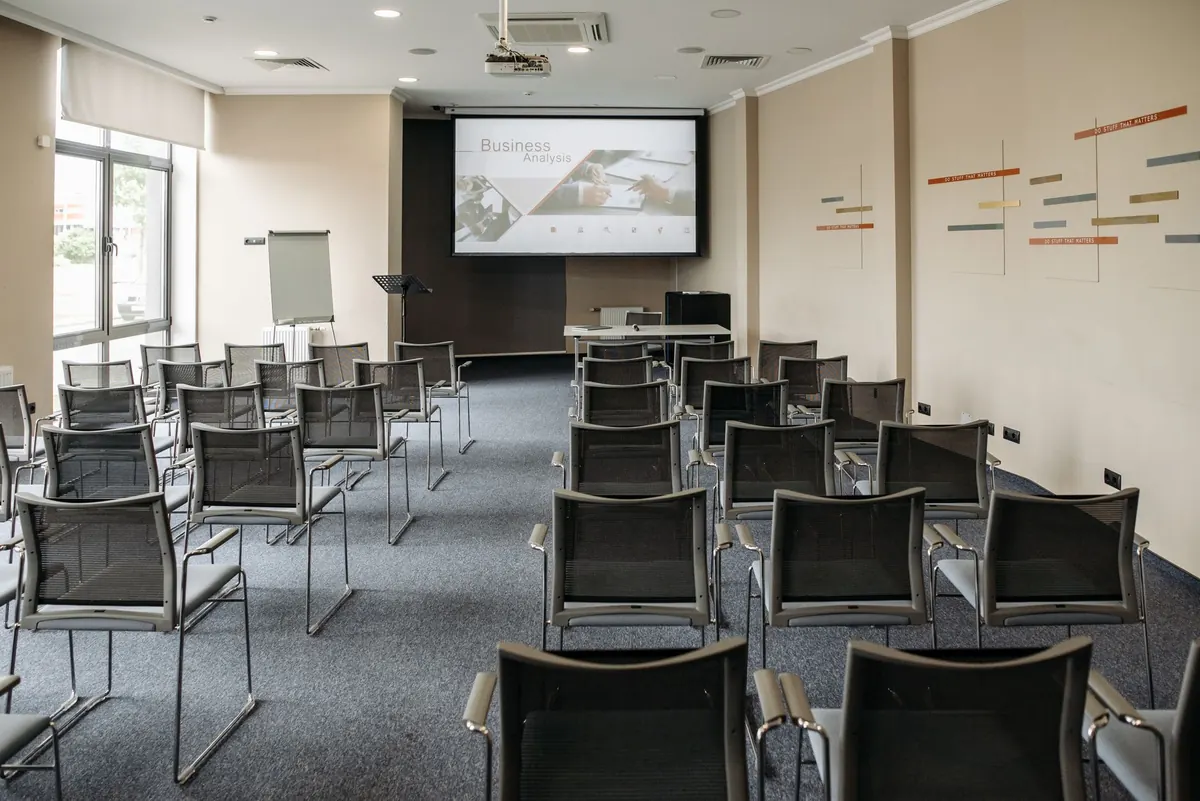
Book a room with tables rather than lecture seating, and assume every attendee brings a laptop plus a phone. Bring more power strips than you think you need. The venue Wi-Fi is the single most likely thing to ruin your afternoon: campus networks often isolate clients from each other, which breaks any challenge that requires two machines to talk. If you can, bring your own access point and a wired uplink, tell campus IT what you are doing in advance, and test with a dozen devices the day before.
Plan for one helper per eight to ten participants. Those helpers are not there to solve challenges for people; they are there to unblock, explain, and notice the person who has gone quiet. Print a one-page rules sheet, bring water and something to eat, and schedule a short break at the midpoint so people actually take it.
Most drop-off happens in the first forty-five minutes. Someone cannot install a tool, or does not know what a flag looks like, and quietly gives up. Design against that. Give every team a warm-up challenge that yields a flag in under twenty minutes, and put a mentor near the door whose only job is to walk newcomers through that first solve.
Say the quiet parts out loud in the briefing: how scoring works, that hints cost points but are not shameful, that partial progress is normal, and that looking up techniques is fine while submitting someone else's answer is not. If you have time, run a short pre-event workshop the week before covering the command line, a hex editor, and one easy web challenge. It halves the number of confused faces on the day.
Freeze the scoreboard for the final thirty minutes if you want a dramatic finish. Announce solves in a chat channel so quiet progress still gets noticed. Set up one clear path for reporting a broken challenge, and never argue about whether it is broken — investigate, then either fix it or void it and say so publicly.
Ask for writeups during the closing briefing, not by email afterward when everyone has moved on. Give a one-week deadline and a template: challenge name, category, approach, dead ends, and what the underlying flaw teaches. Offer something for the effort — a few bonus points, a prize, or simply publication with credit. Review before publishing, redact flags, and strip any personal data or real credentials that appeared in screenshots. Keep the flags for challenges you intend to reuse out of the published version entirely.
The minimum viable event is small: one room, four hours, twelve challenges, one scoreboard, three helpers, and a debrief where you write down everything that broke. Once that works, add the beginner lane, the workshop, the second track, or the sponsor. Most long-running university CTFs grew from exactly that first afternoon.
After the event, send a short feedback form, thank your helpers by name, and archive the challenges plus their solutions in a repository your club can reuse. The second event is easier than the first, and the third one mostly runs itself.
Photo: Pavel Danilyuk / Pexels